Brief the work
Turn messy requests, ideas, and follow-ups into clear tasks your agents can understand.
 Join Early Access
Agent OS for founders and small teams
TaskForceAI turns AI chats, admin, follow-up, and operational tasks into tracked work with agents, queues, reviews, and human approval.
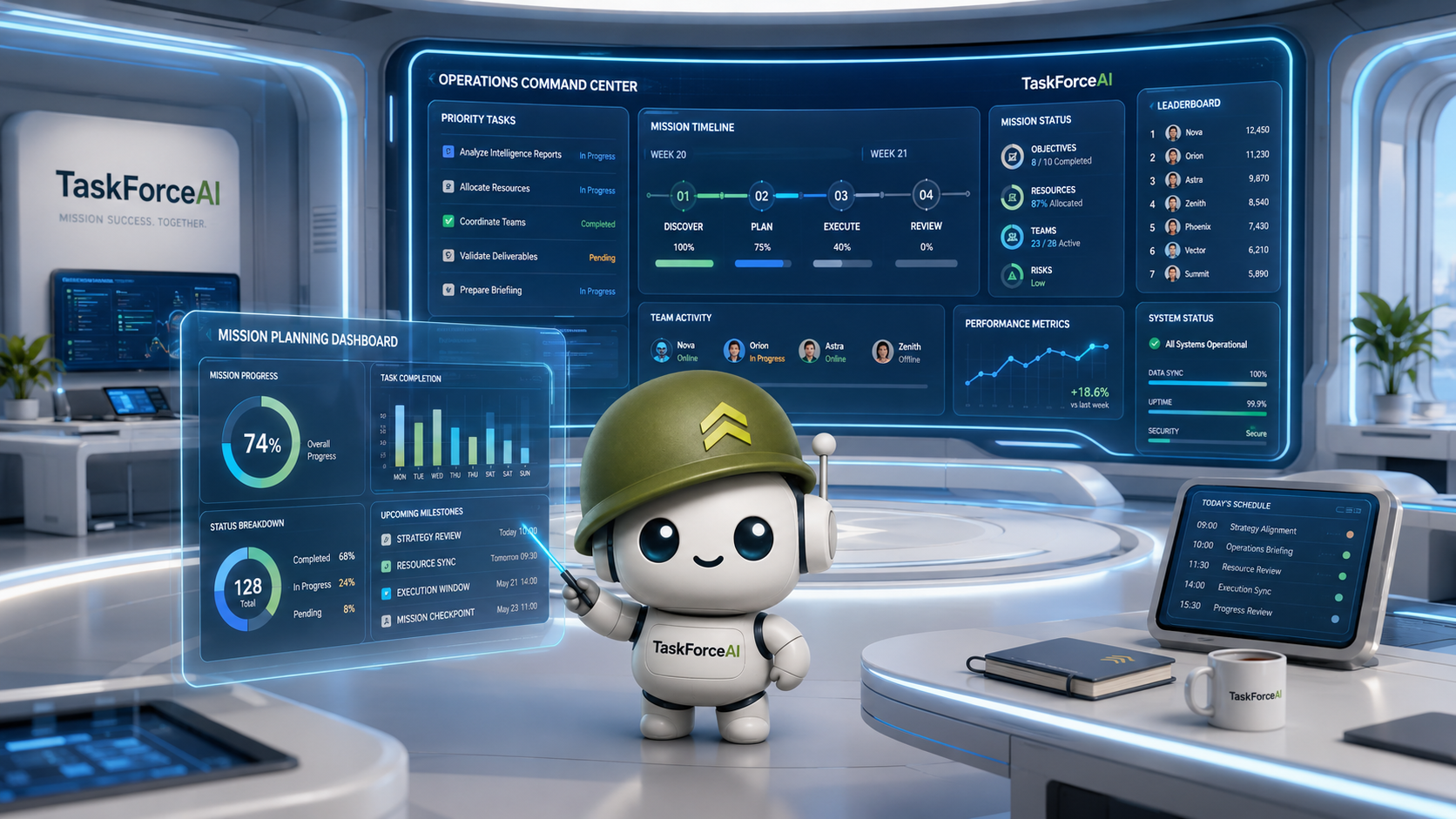
Turn messy requests, ideas, and follow-ups into clear tasks your agents can understand.
See what is waiting, running, blocked, ready for review, and done.
Keep humans in control with approvals, run logs, and escalation points.
What is an Agent OS?
An Agent OS is where AI work stops being a loose chat thread and becomes visible work. TaskForceAI gives founders one place to manage agents, tasks, follow-up, run logs, and human approval.
It does not pretend agents are perfect. It gives them structure, gives your team visibility, and gives you control when judgement is needed.

The execution problem
Are useful AI answers still turning into unfinished work?
Do tasks disappear between chat windows, staff, and apps?
Does follow-up depend on whoever remembers first?
Can you see what your AI is actually working on?
Why it matters
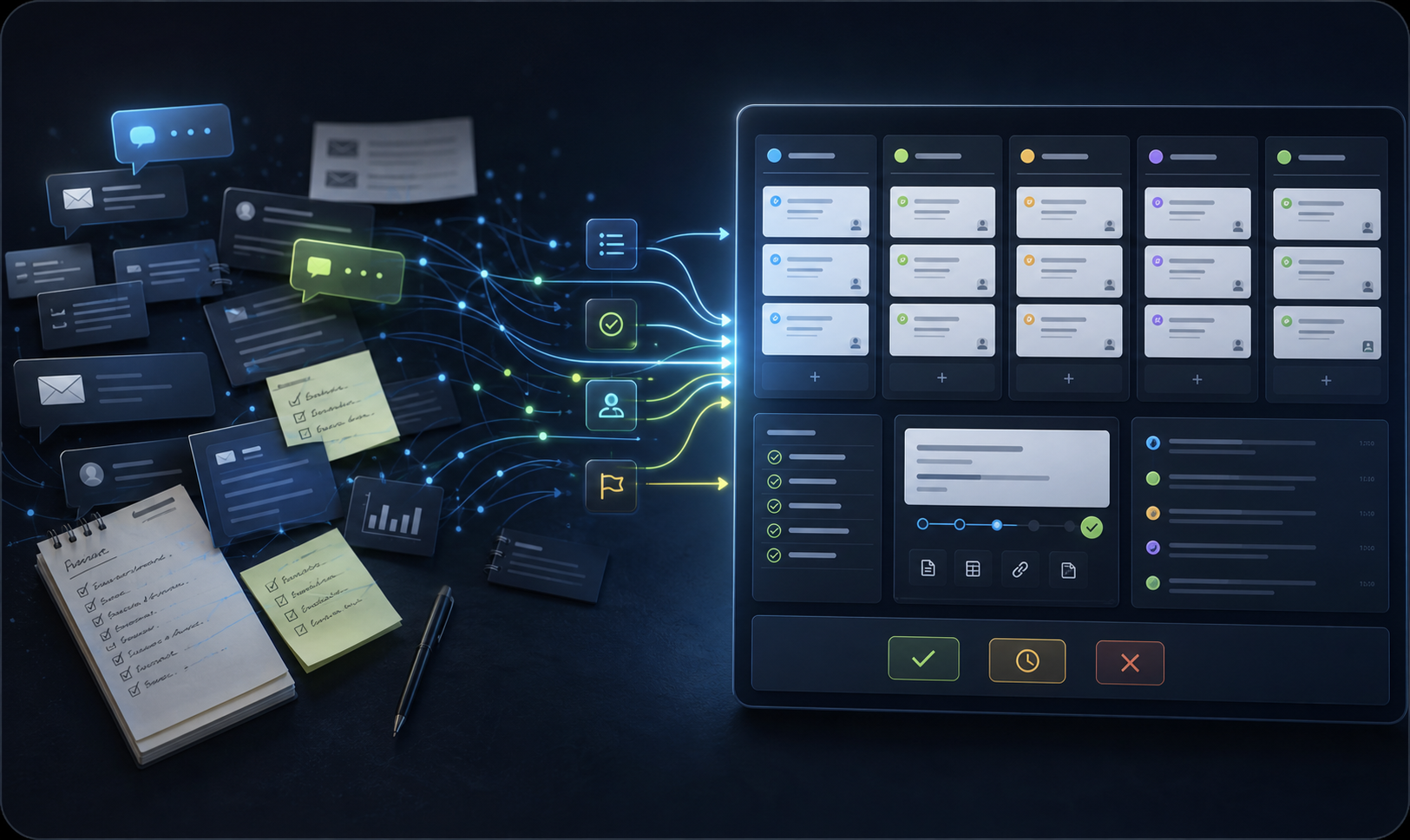
Most owners have already tested AI. They have used it to write emails, summarise notes, research ideas, draft documents, and solve small problems. The first win feels obvious. The second problem appears just as fast: the work still lives in a chat window.
Someone still has to remember the context. Someone still has to turn the answer into a task. Someone still has to check the output, chase the next step, ask for revisions, hand it to the right person, and make sure the job is actually finished.
TaskForceAI exists for that gap. It gives your business an Agent OS: one place to brief work, assign it, track it, review it, escalate it, and keep the history attached. Instead of treating AI like a clever conversation, TaskForceAI helps you treat it like part of your operating rhythm.
The point is not to replace judgement. The point is to stop losing time in the messy middle. Admin, research, follow-up, drafting, reminders, handoffs, and internal prep can move through a visible queue instead of relying on memory and good intentions.
That changes how AI feels inside the business. You can see what is waiting. You can see what is running. You can see what needs review. You can see what failed. You can see what was completed and why.
TaskForceAI gives founders and teams a cleaner way to use agents without pretending the software is magic. You stay in command. Your Agent OS keeps the work moving.
Proof of pressure
of employee time may be exposed to automation by generative AI and related technologies.
of sales reps' time is spent on non-selling tasks, according to Salesforce.
Microsoft reported some employees are interrupted every two minutes during focused work.
Business improvements
Each job starts with the goal, context, priority, and expected outcome.
Work moves through TaskForceAI instead of depending on one-off chat threads.
Next steps, reminders, reviews, and escalations stay in the queue.
You can see what was assigned, what happened, and what needs attention.
Research, summaries, drafts, checklists, and internal prep can move sooner.
Briefs, decisions, updates, and outcomes stay attached to the work.
Your team spends less time chasing tasks and more time making decisions.
Agents can flag blockers instead of guessing or hiding uncertainty.
Your business moves from AI experiments to a usable Agent OS.
Use cases
Turn callbacks, reminders, loose ideas, and "do this later" work into visible tasks.
Keep lead research, outreach drafts, deal notes, and follow-up steps moving.
Move checklists, reporting, handoffs, recurring jobs, and internal prep into one queue.
Brief agents to collect context, prepare summaries, and flag what needs human review.
Capture decisions, turn next steps into assigned work, and keep follow-up from fading.
Package notes, context, open questions, and review points before work changes hands.
Ask Winston
Core features
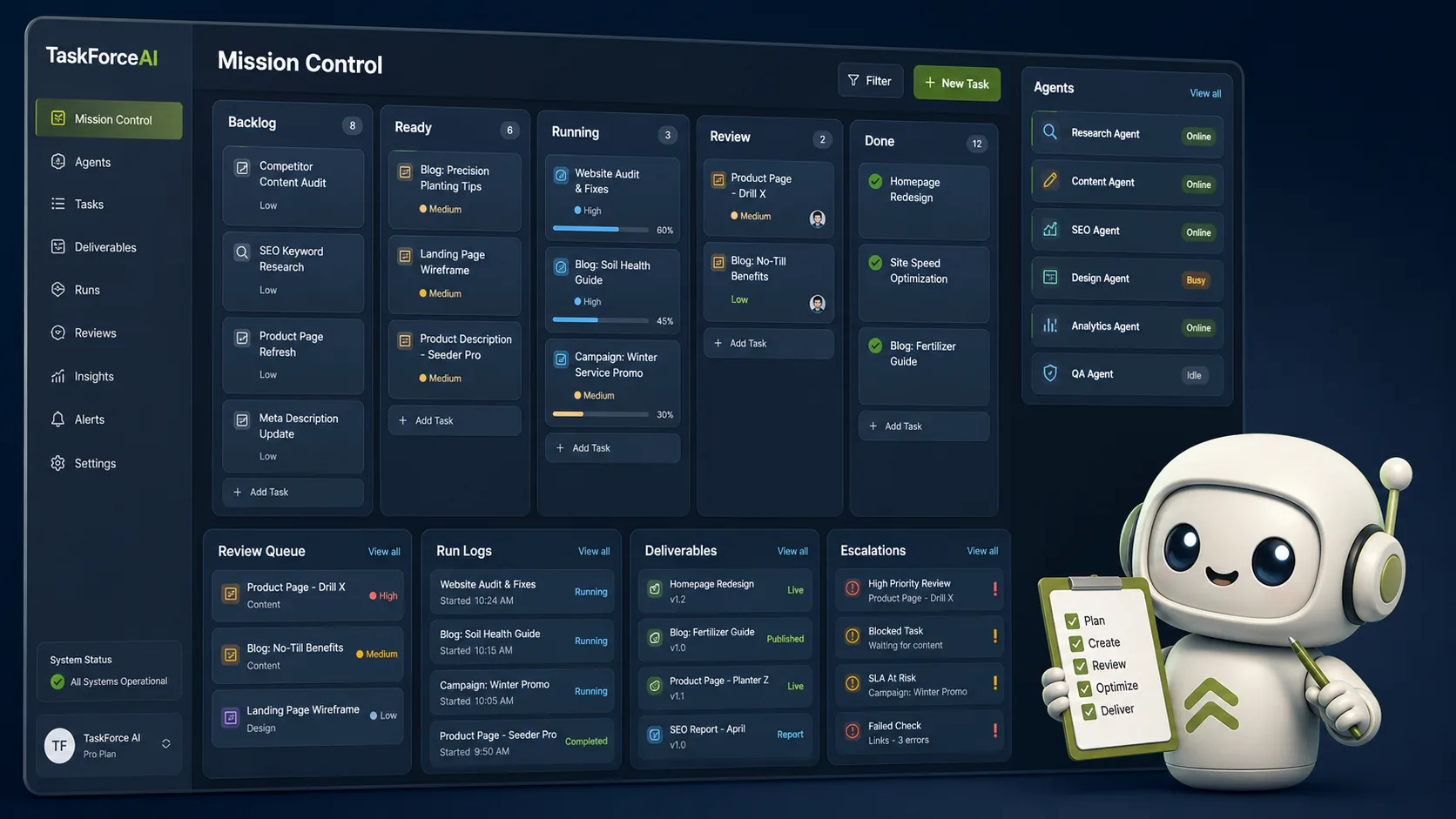
Turn a rough request into goals, context, risks, constraints, and next actions.
Rank, assign, track, review, escalate, and complete work inside one Agent OS.
Keep instructions, decisions, drafts, failures, and outcomes attached to each task.
Send work for approval or flag it when human judgement is needed.
Three-step primer
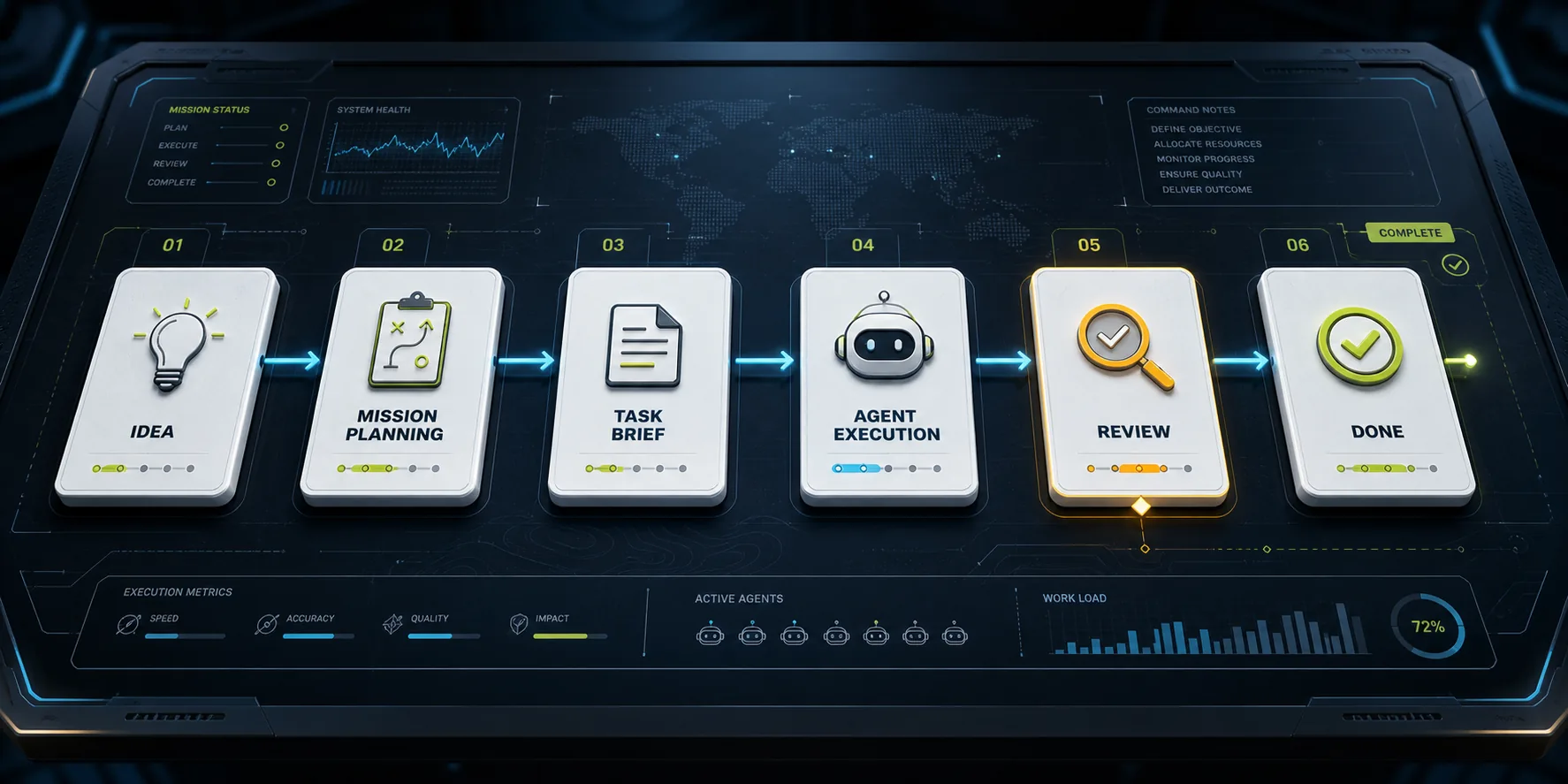
Tell TaskForceAI where work gets stuck in your business.
Your workflow becomes briefs, queues, agent instructions, and review points.
Your team gets a clearer system for moving work from request to result.
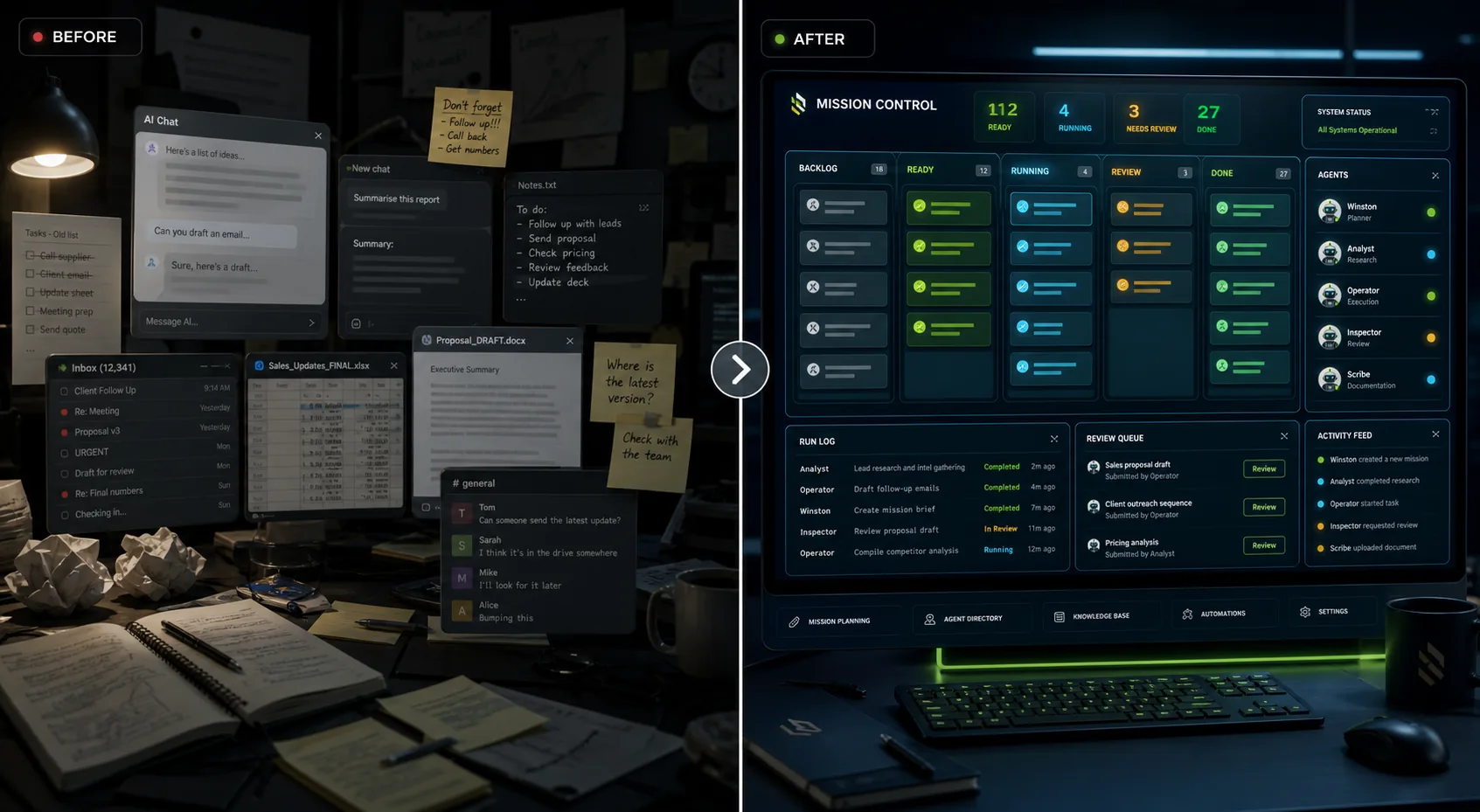
Before and after
Questions founders ask
No. It is a supervised Agent OS. Agents help move work forward, but human review and approval stay part of the system.
Yes. TaskForceAI is designed so users can bring their own agent or use the built-in agent with their own LLM API key.
Yes. The product direction supports using your own LLM API key with the built-in agent. Results still depend on setup, model, and task quality.
Blocked tasks can be flagged, reviewed, and escalated instead of disappearing inside a chat thread.
No. TaskForceAI is built to reduce scattered admin and follow-up, while people keep judgement, relationships, and decisions.
Pricing is not published yet. The current next step is early access while the product is being prepared.
Founders, small teams, and growing businesses that want AI work to become visible, trackable, and easier to review.
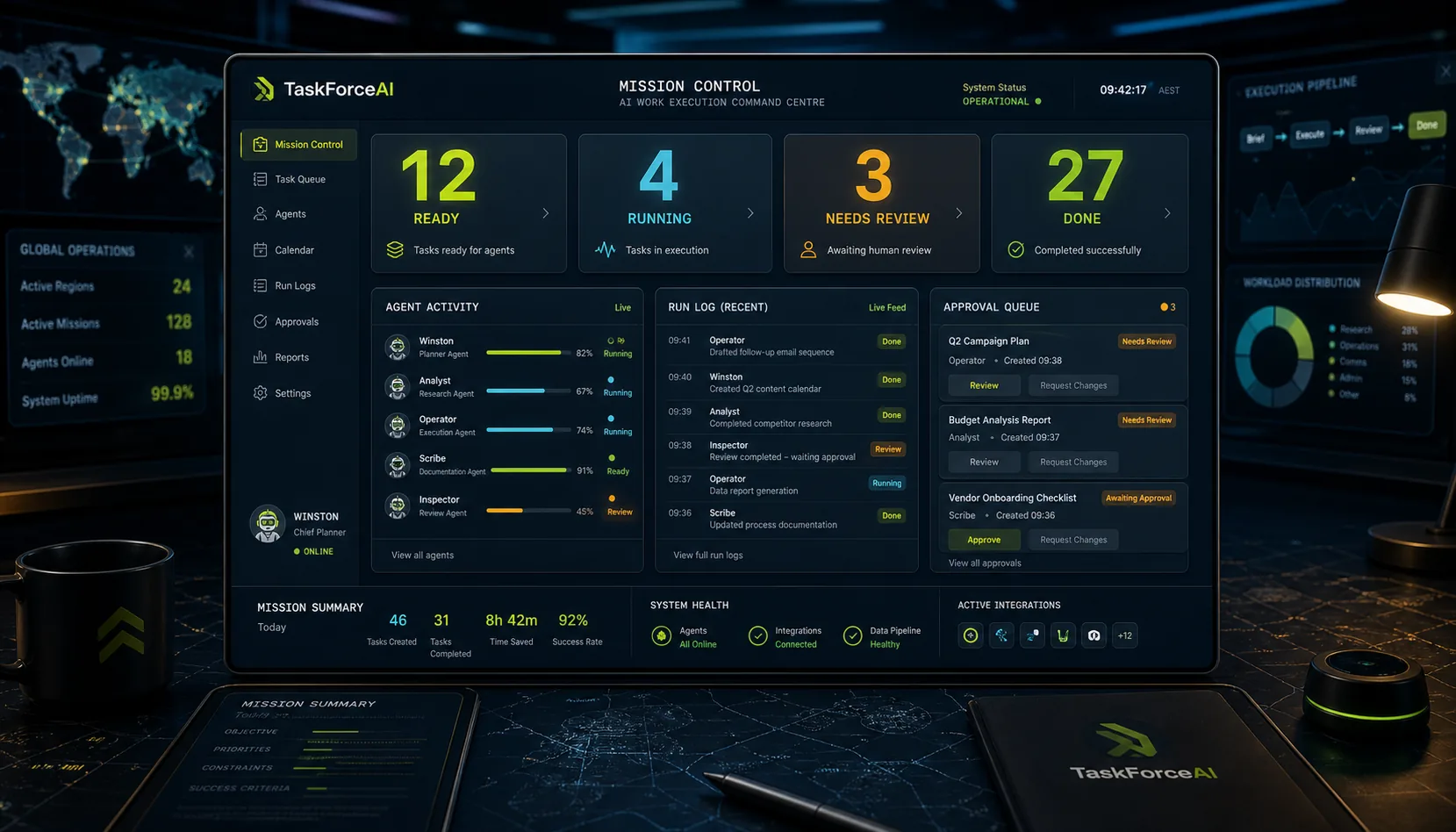
Build your Agent OS
Bring your tasks, agents, reviews, and follow-up into TaskForceAI.
Join Early Access